RAYCAST-STYLE POWER. OMARCHY SOUL.

Your Omarchy.
One keystroke away.

Your apps, answers, and next idea.
A native command palette that gives your default menu superpowers.

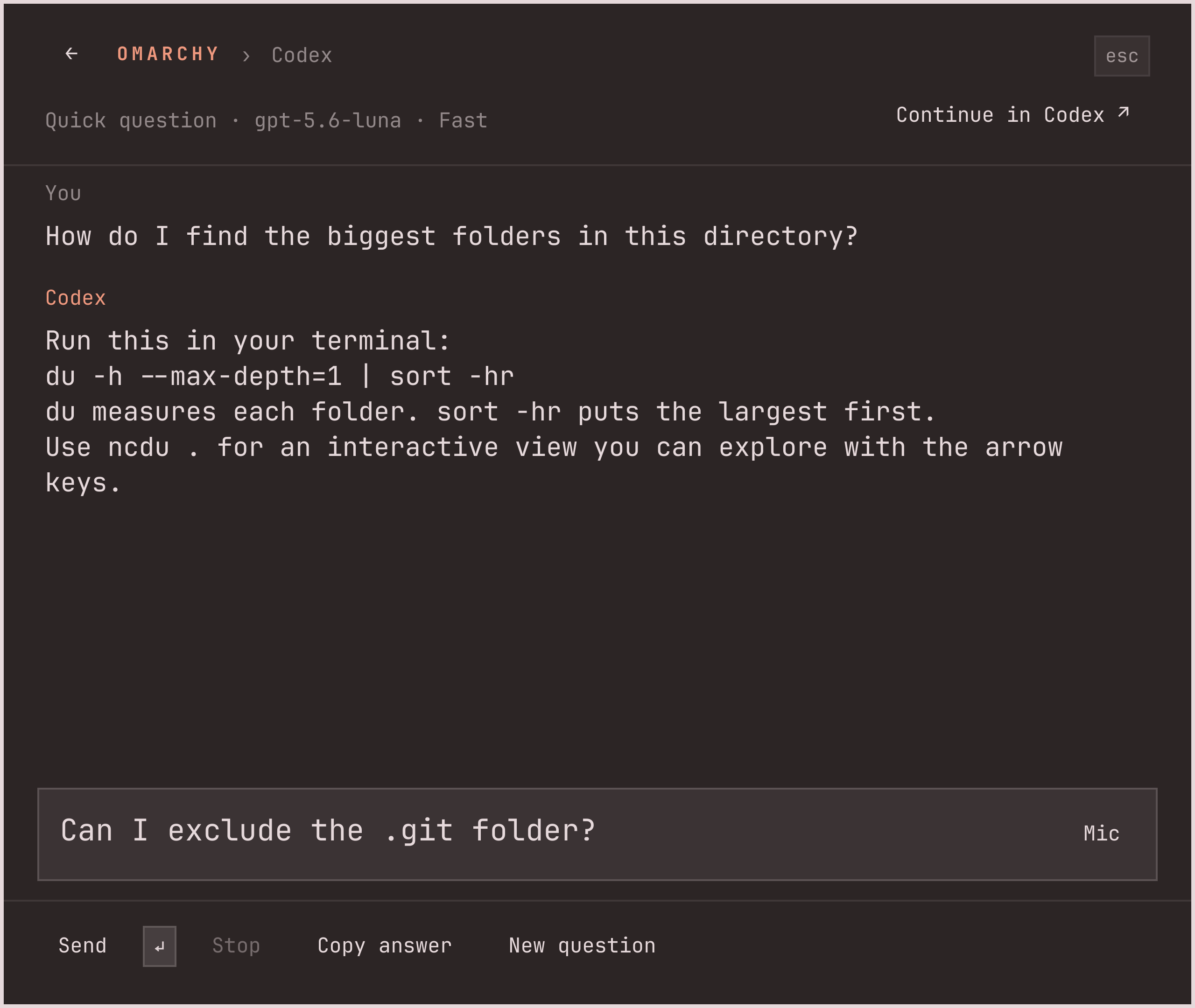
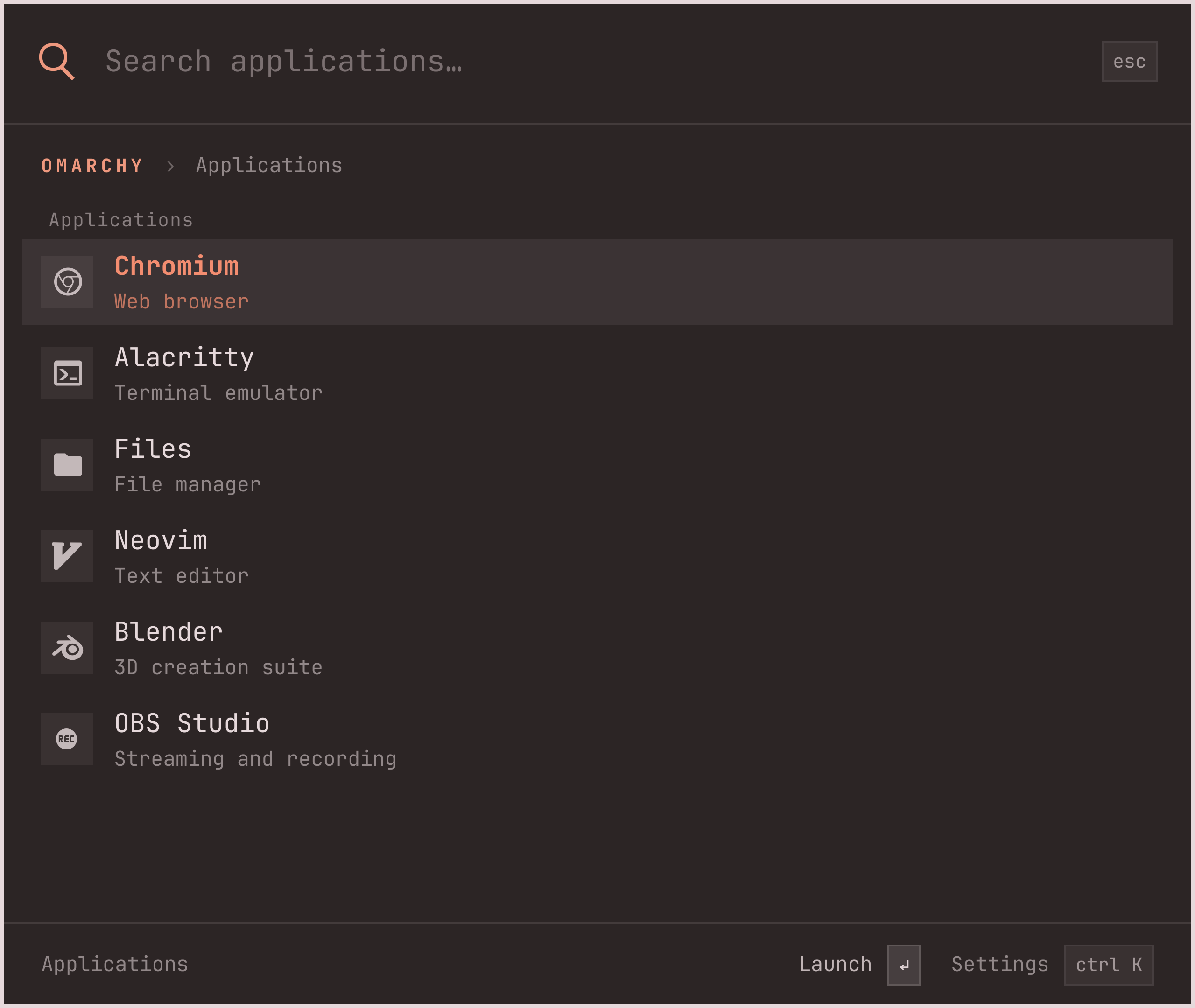
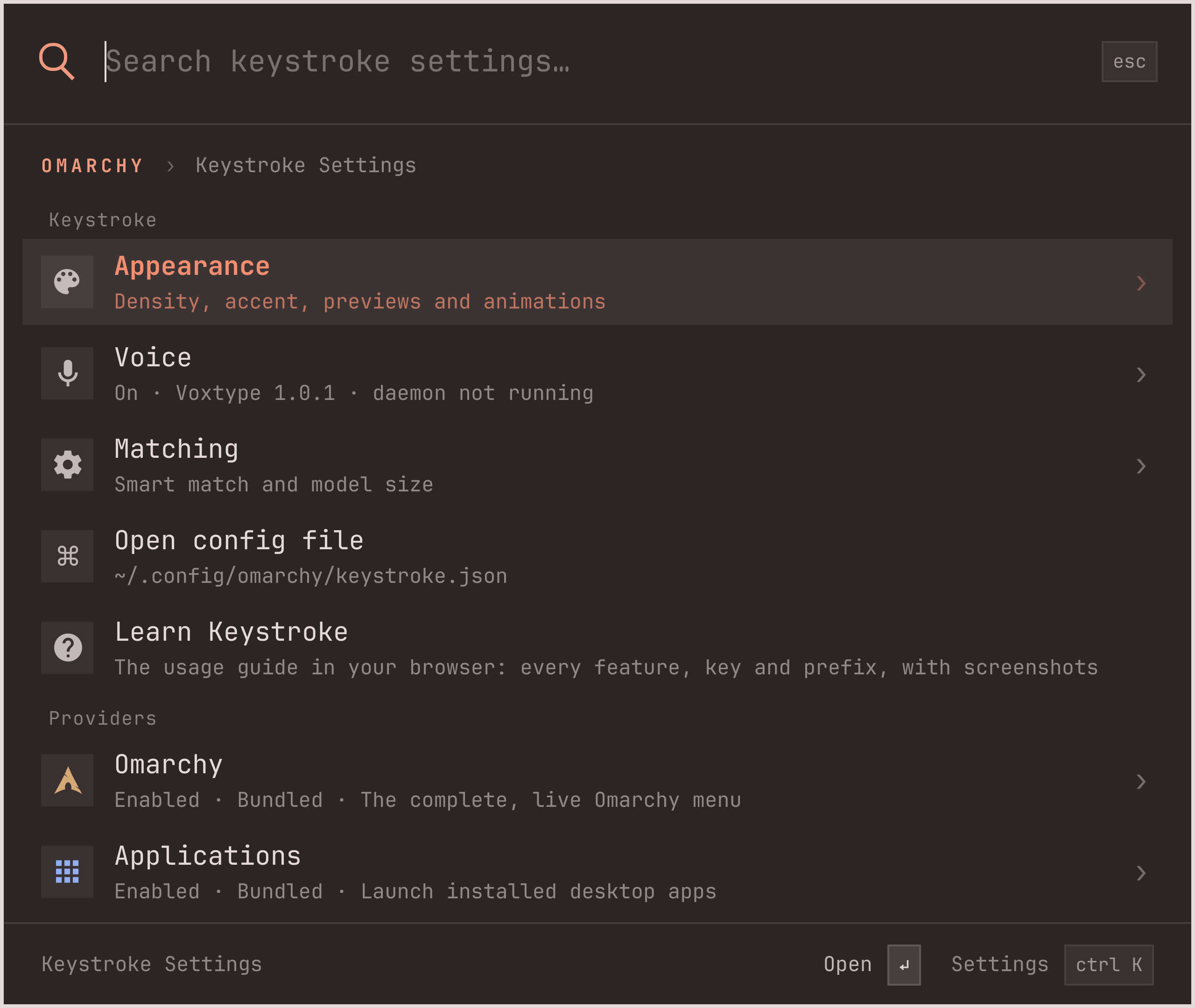
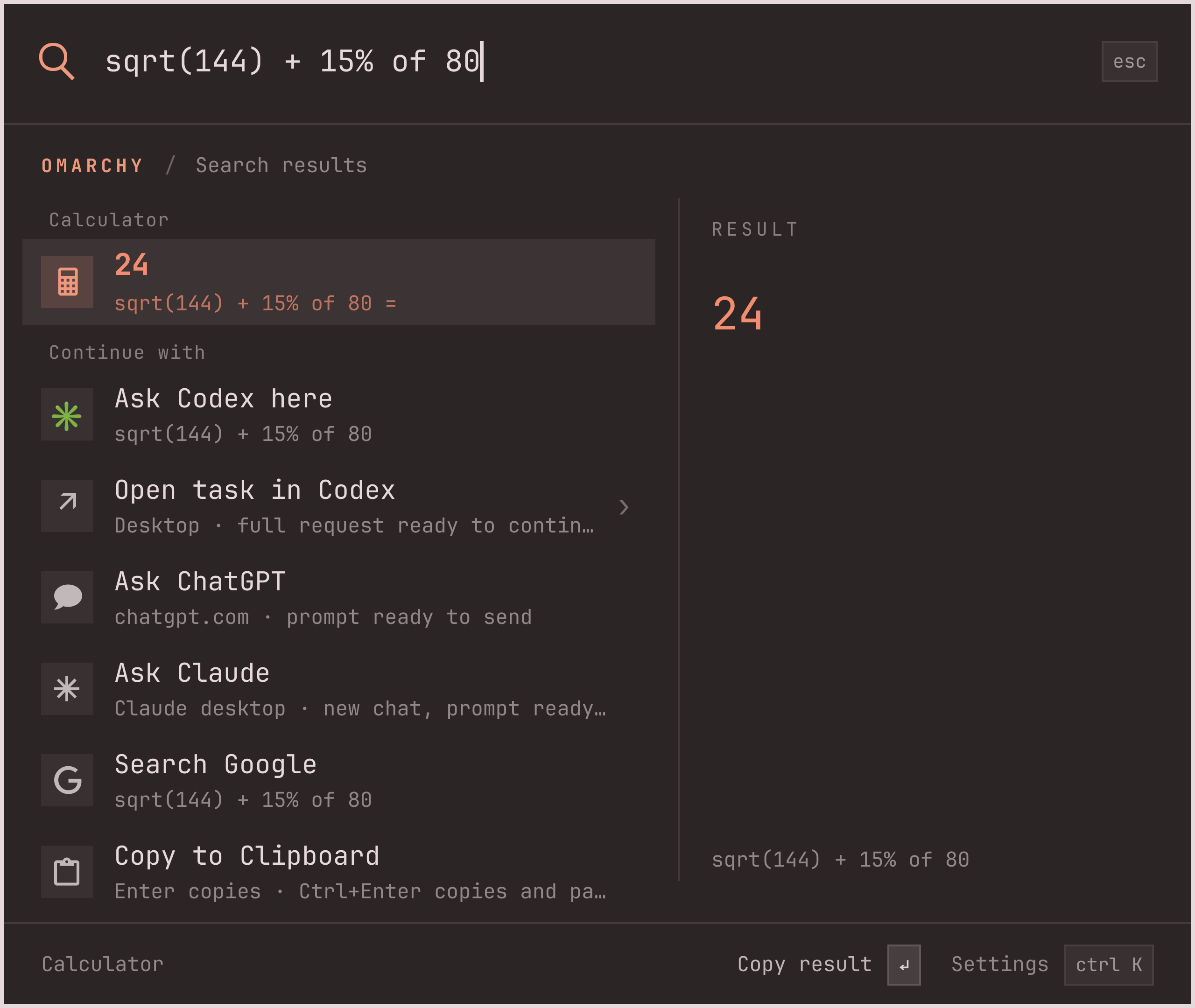
Calculator: sqrt(144) + 15% of 80 = 24 A Codex answer and follow-up inside Keystroke Keystroke’s native Applications menu
Super+Spacemeet your new menu
Native Omarchy plugin Keyboard first Open source · MIT Made to extend

LESS MENU. MORE MOMENTUM.

The shortcut to
almost everything.

Keep the Omarchy commands you know. Add the everyday tools you reach for. Search across apps, settings, and files, or just type a calculation. The answer comes to you.

01 / LAUNCH

Think it.
Find it. Open it.

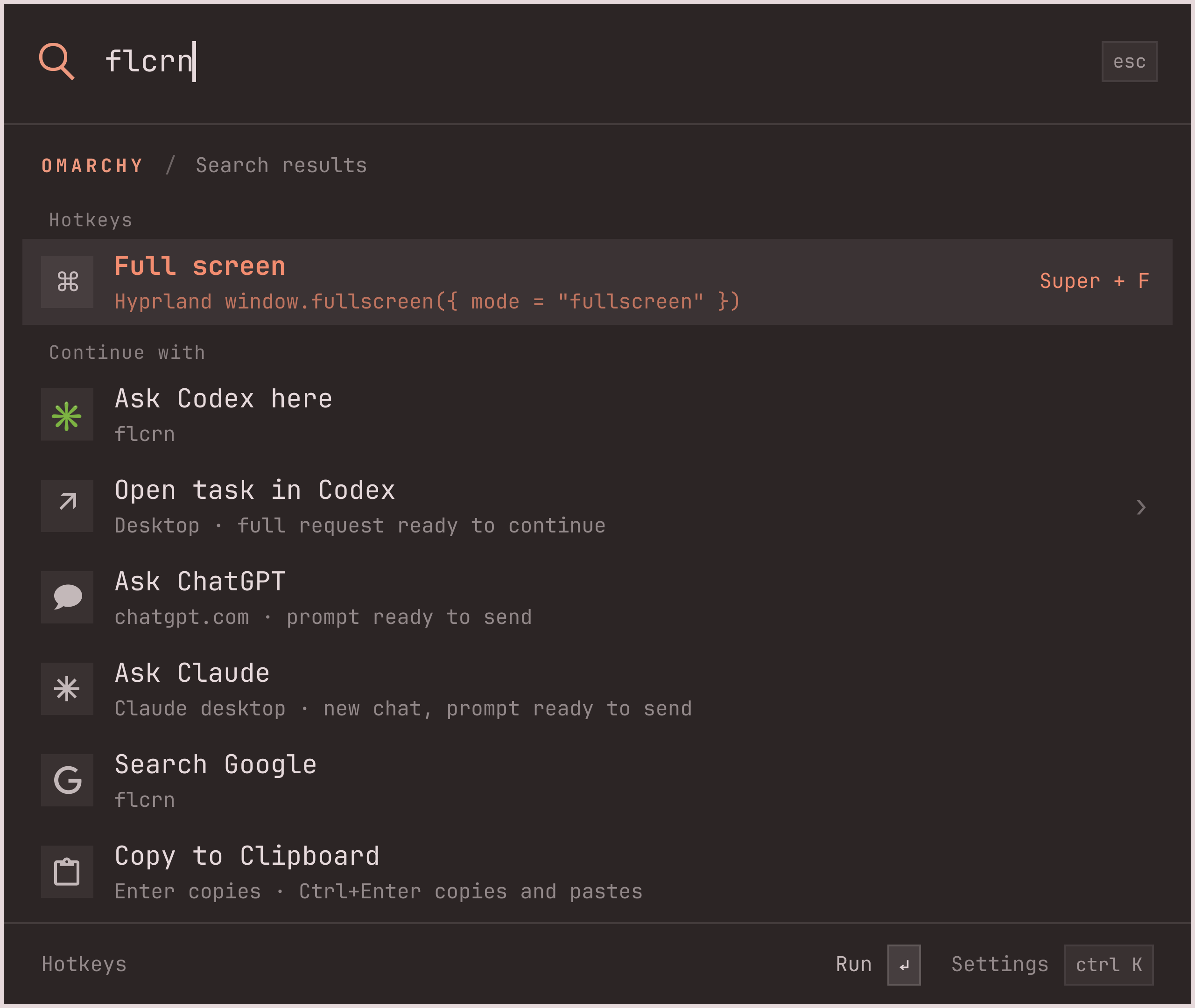
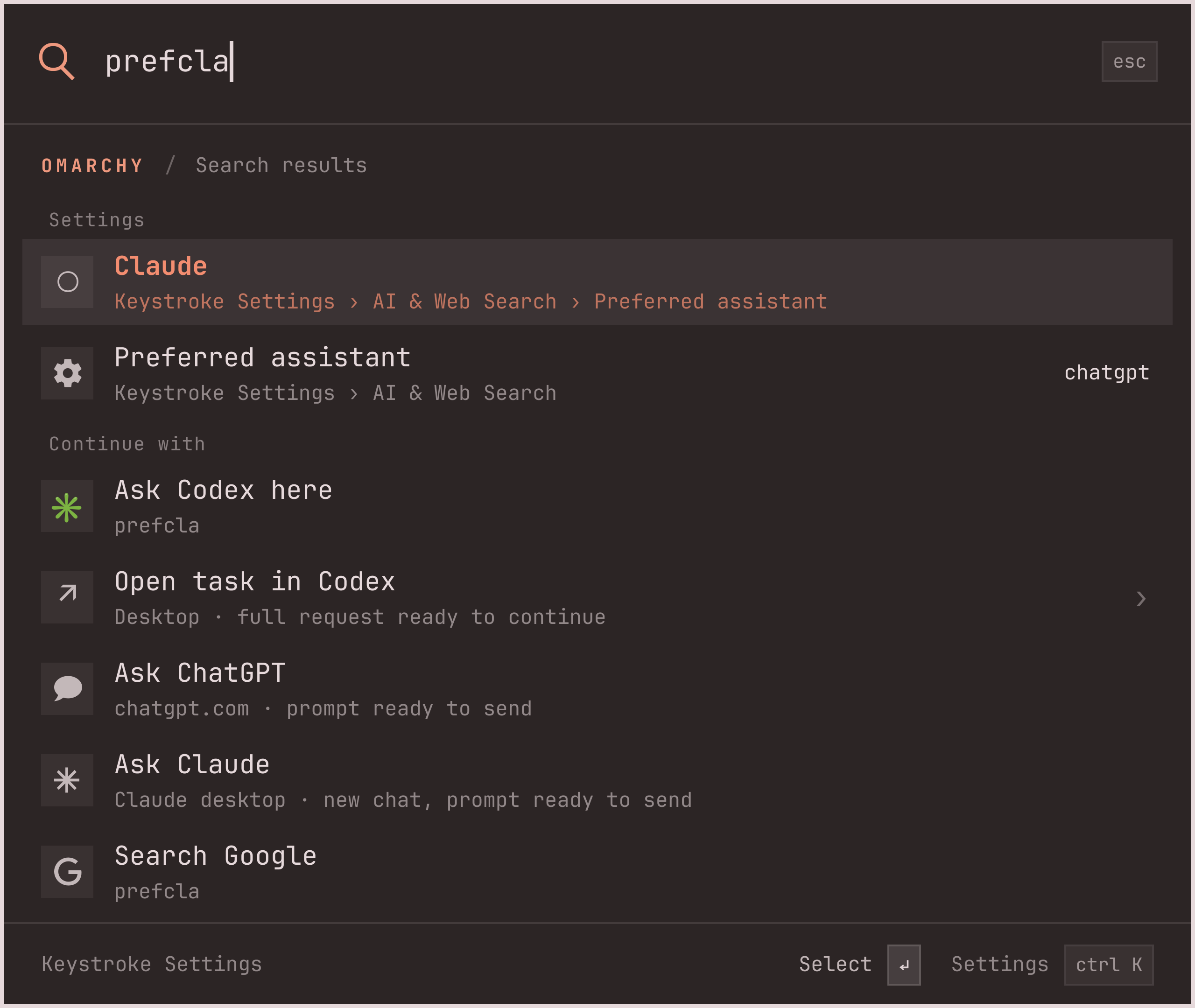
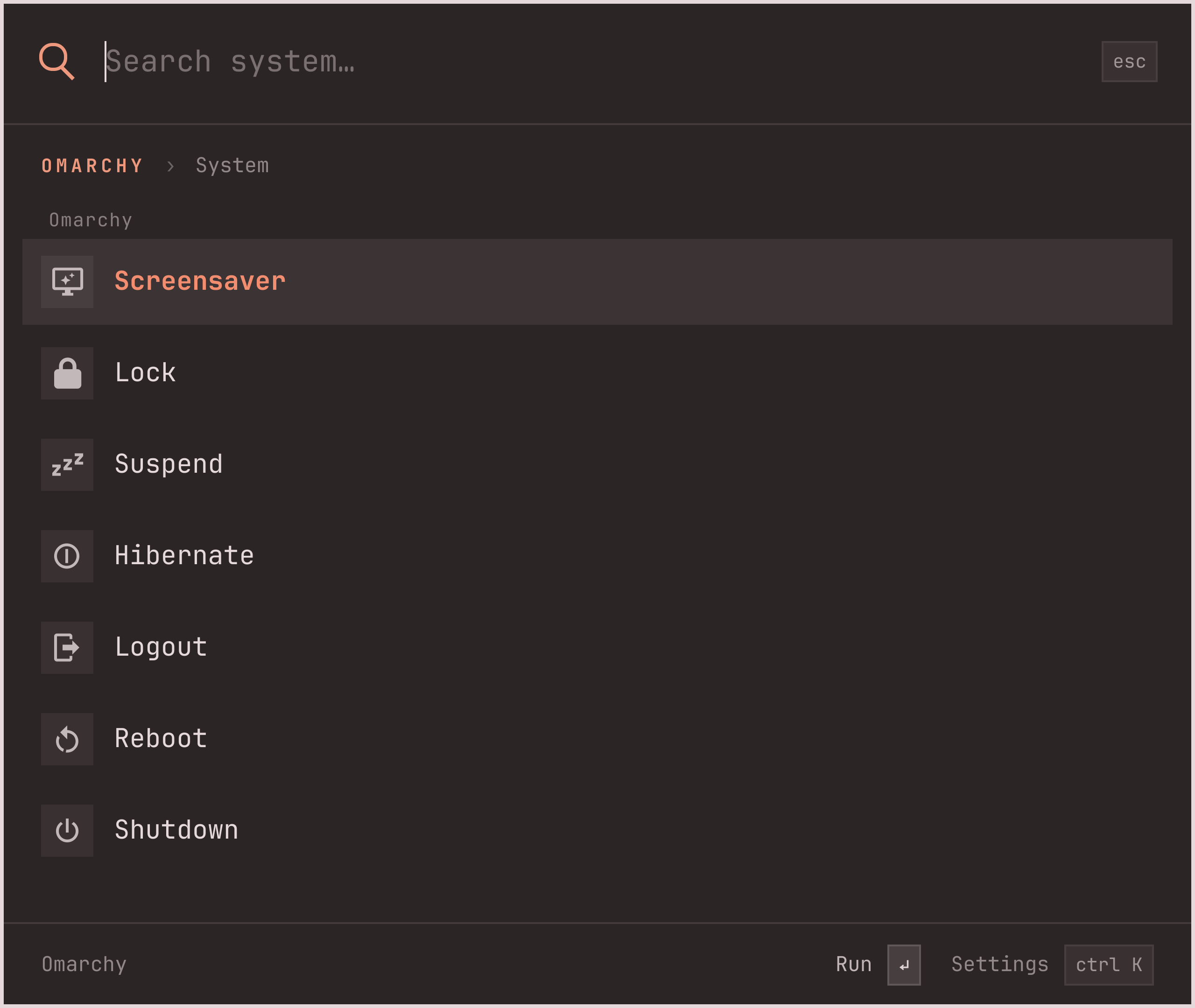
Apps, system commands, and nested settings in one search. Fuzzy matching finds the route; your frequently used actions rise to the top.

↑↓choose↵go
Built into your shell
02 / RECALL

Copied. Never lost.

Search Omarchy’s clipboard history and preview text or images. Your history stays out of global search.

03 / FIND

That file. Right there.

Find files and folders under your home directory. Open them, or jump straight to a terminal with Ctrl+Enter.

04 / ASK

A little question.
A full conversation.

Ask Codex without leaving the palette. Read a streamed answer, ask a follow-up, or continue the conversation in the Codex app or CLI.

? How do I find the biggest folders?
Uses your Codex login
05 / SPEAK

Your voice.
Same superpowers.

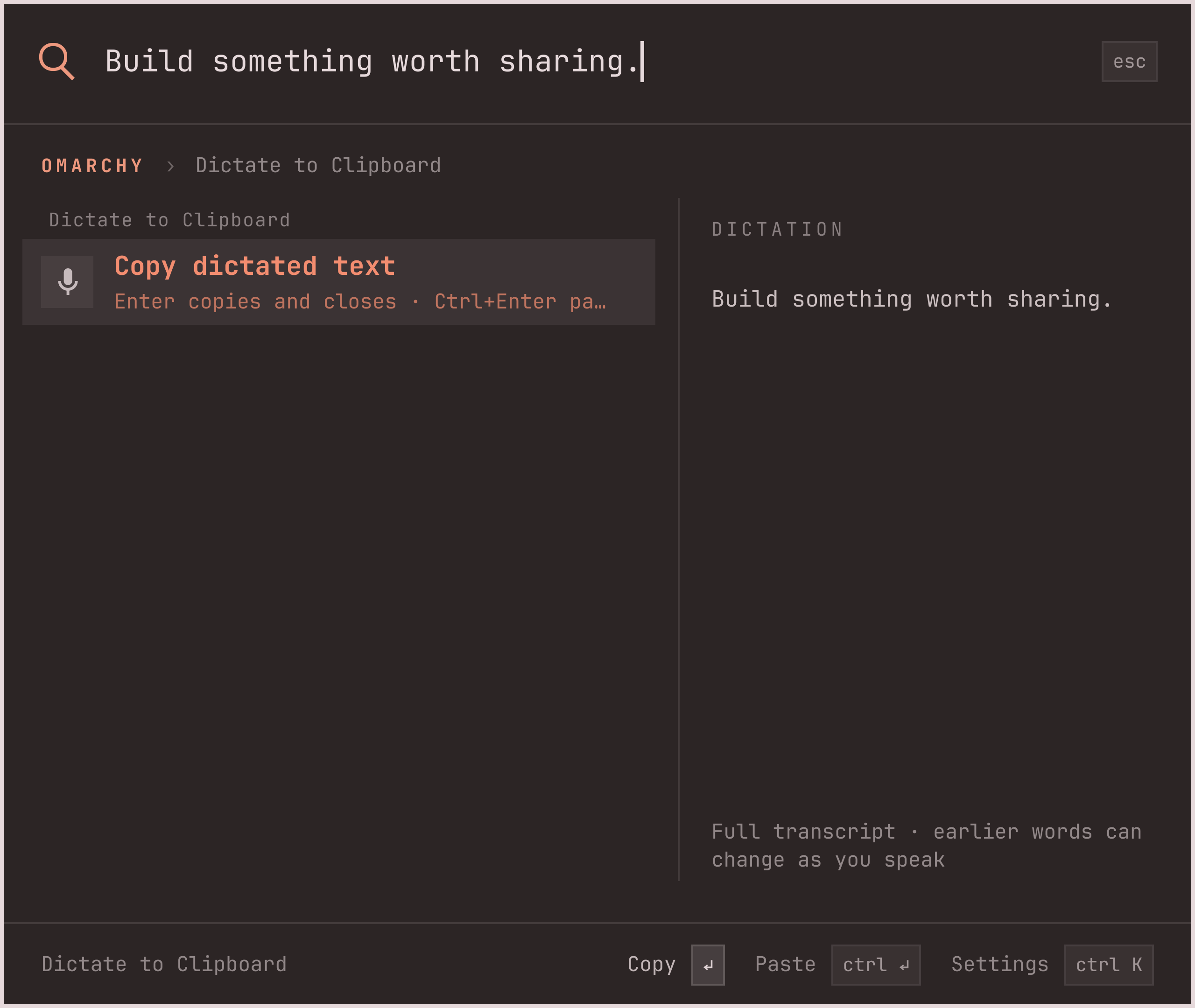
Hold your shortcut and say what you need. Live words fill the search field. Review the result, then press Enter. Or dictate a thought and copy it anywhere.

Super+Spacehold to talk
Powered by voxtype · optional setup
06 / CALCULATE

Skip the mental math.

Arithmetic, percentages, and functions. Get the result as you type, then press Enter to copy it.

07 / CONVERT

Different units. No friction.

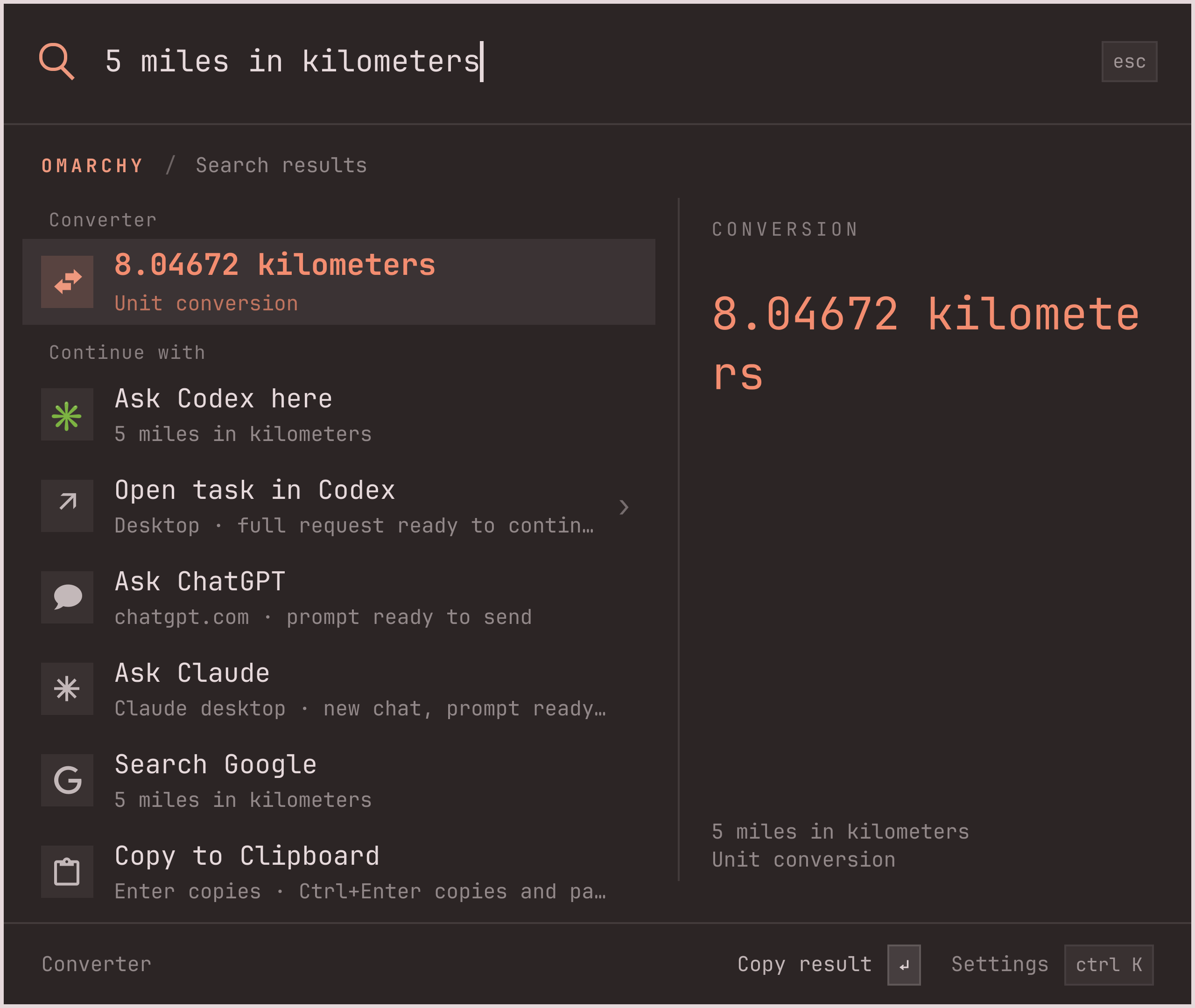
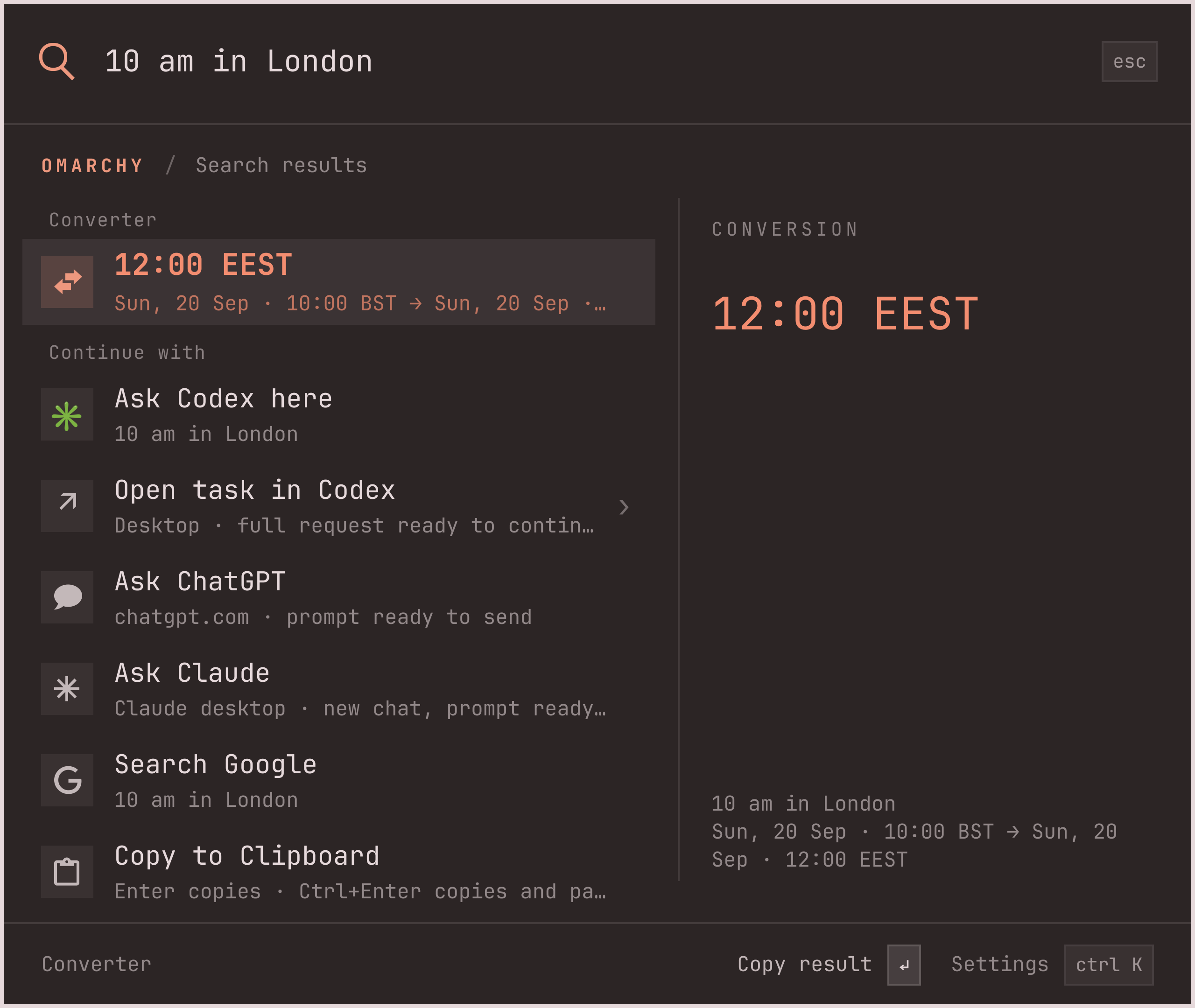
Miles to kilometers, Fahrenheit to Celsius, London to your time zone. A question in, a useful answer out.

08 / EXTEND

Your next feature
could be yours.

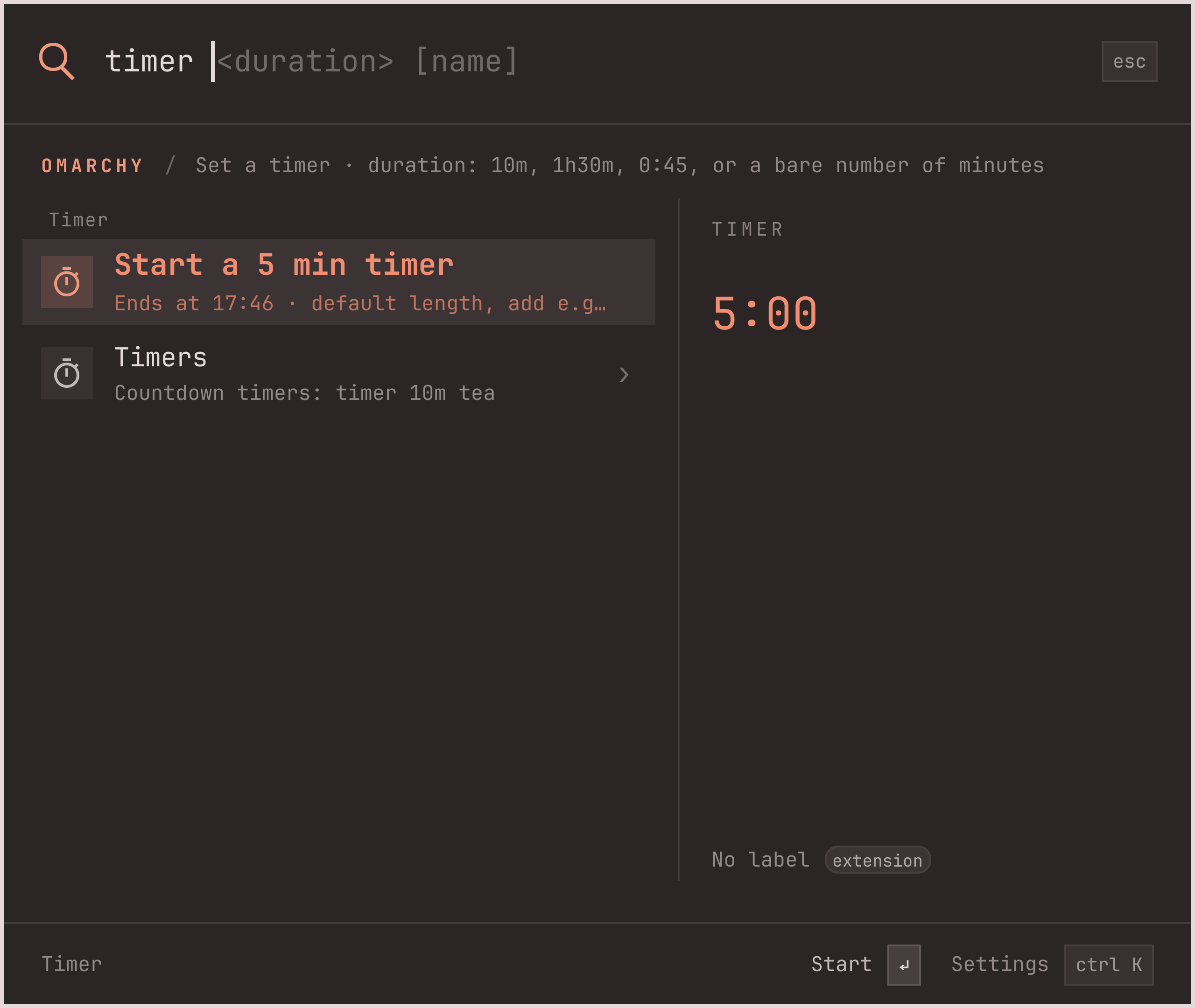
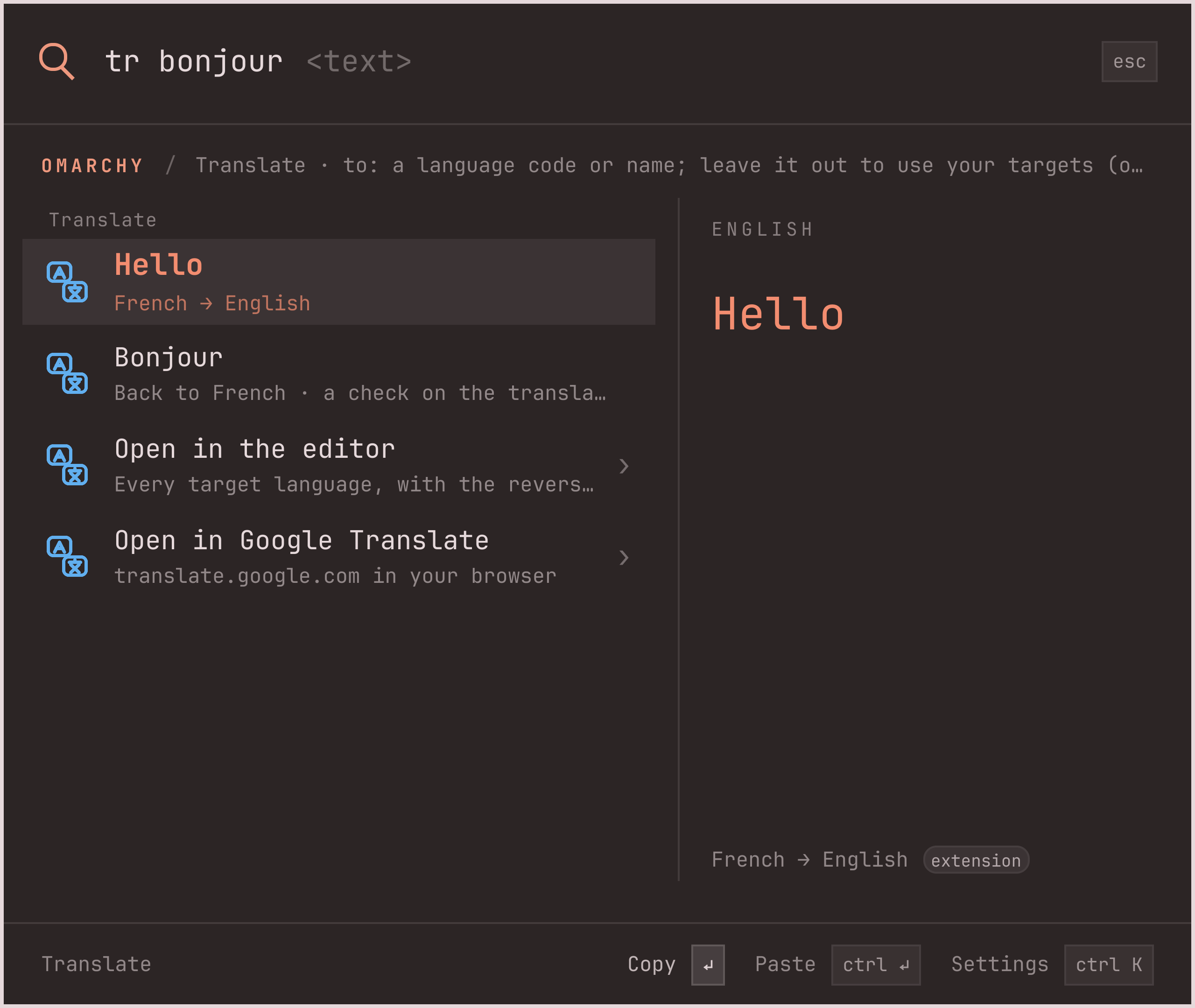
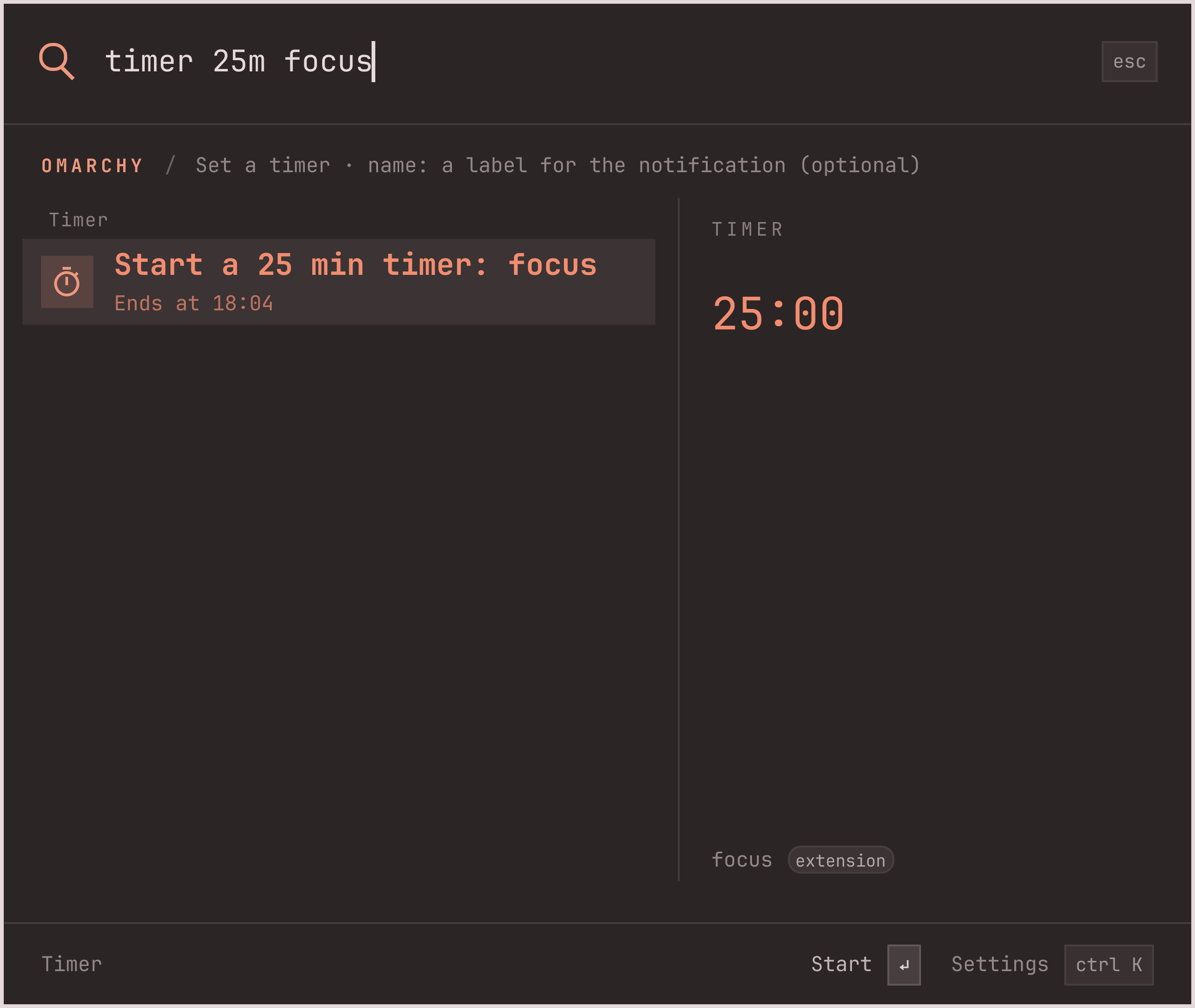
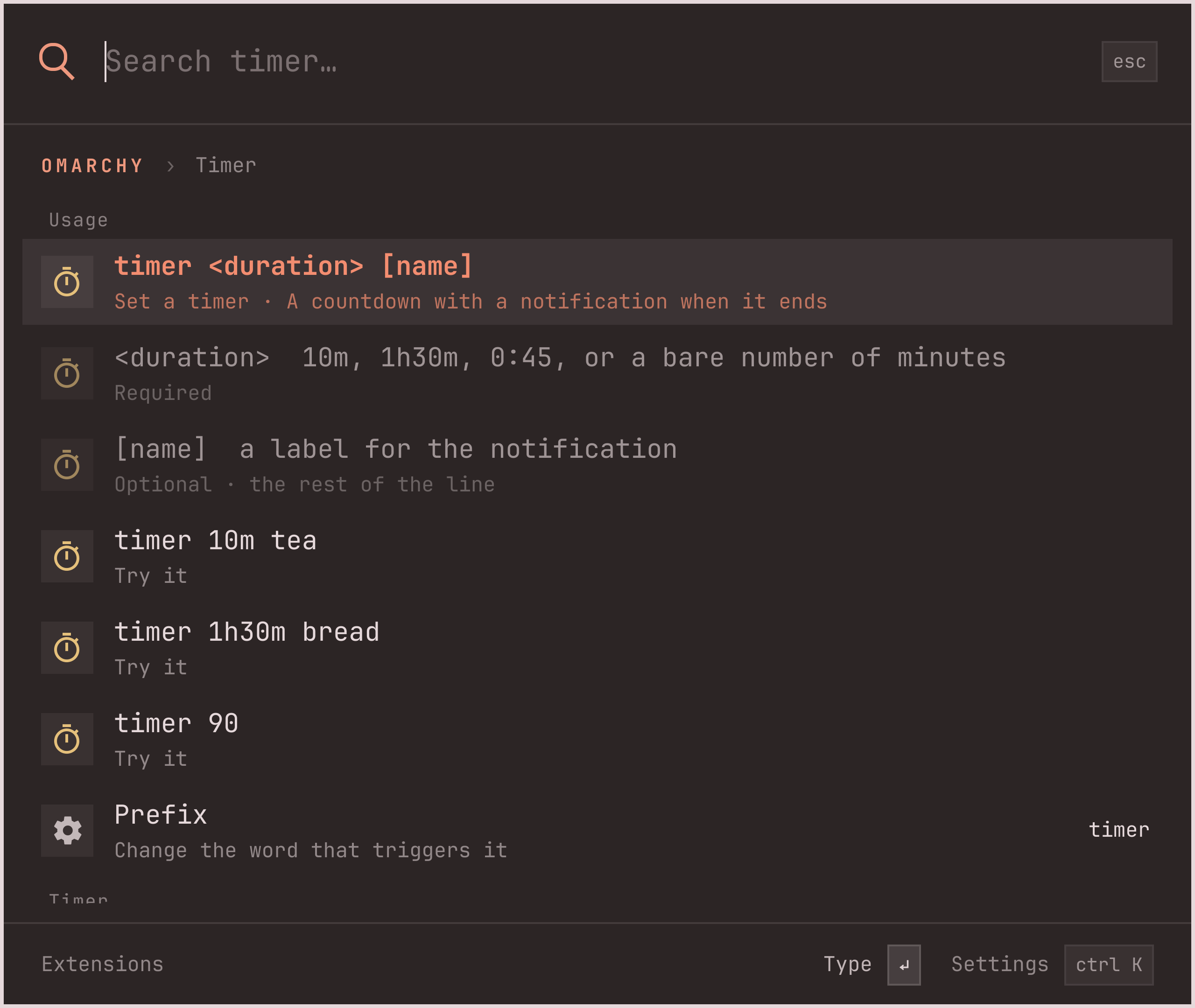
Extensions ship inside Keystroke, one folder each, and reach everyone through a reviewed pull request. Timer and Translate are in the box; write your own using QML and JavaScript. Every typed command explains itself: type a prefix and the palette names the arguments as you go.

Every extension is off until you turn it on. Turning one on asks for confirmation: extensions run with your user permissions.

Commands and extensions in the guide

THE SMALL THINGS ADD UP.

More in every keystroke.

Explore the rest of the toolkit, or read the whole guide →
Select any screenshot for a closer look.

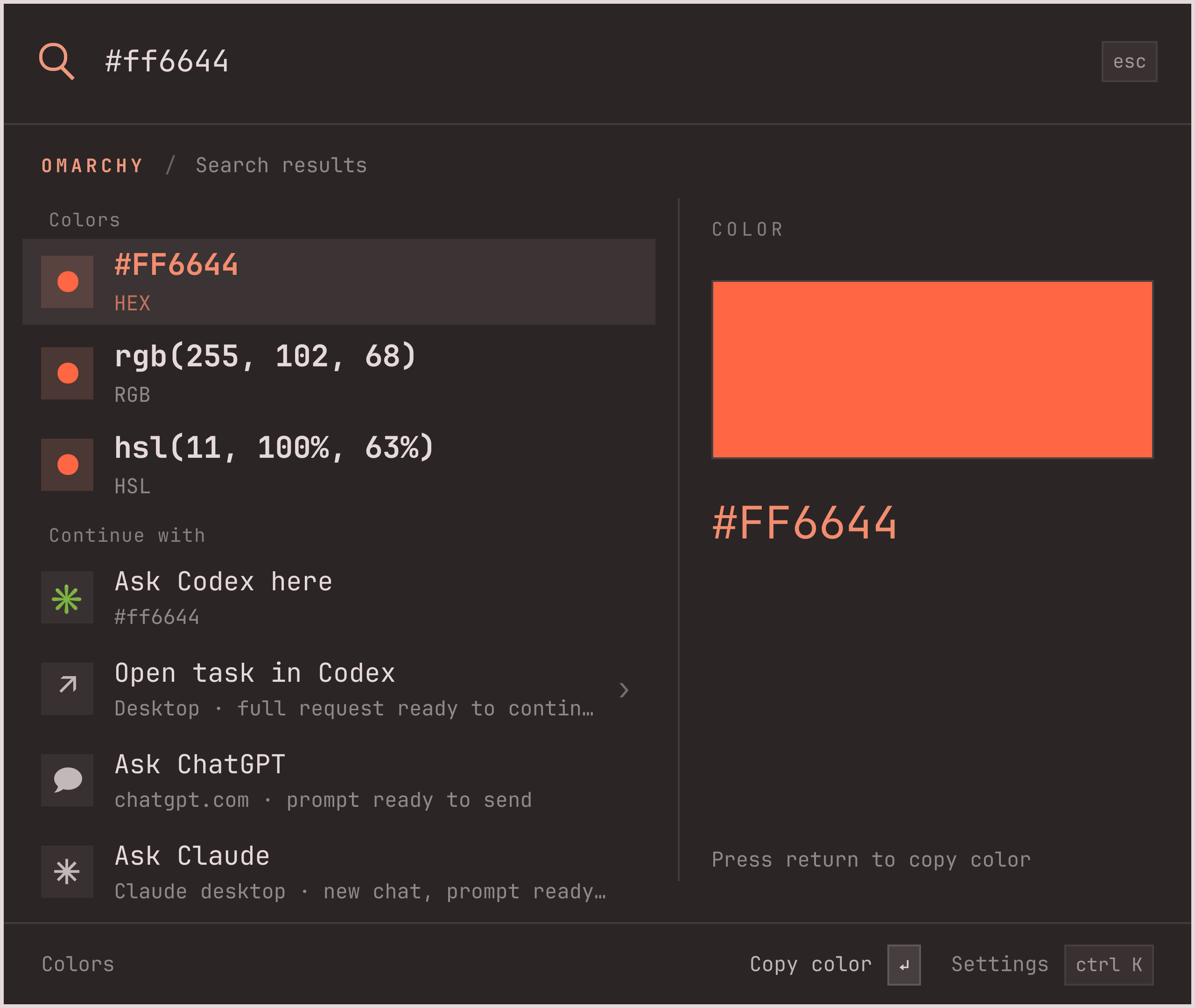
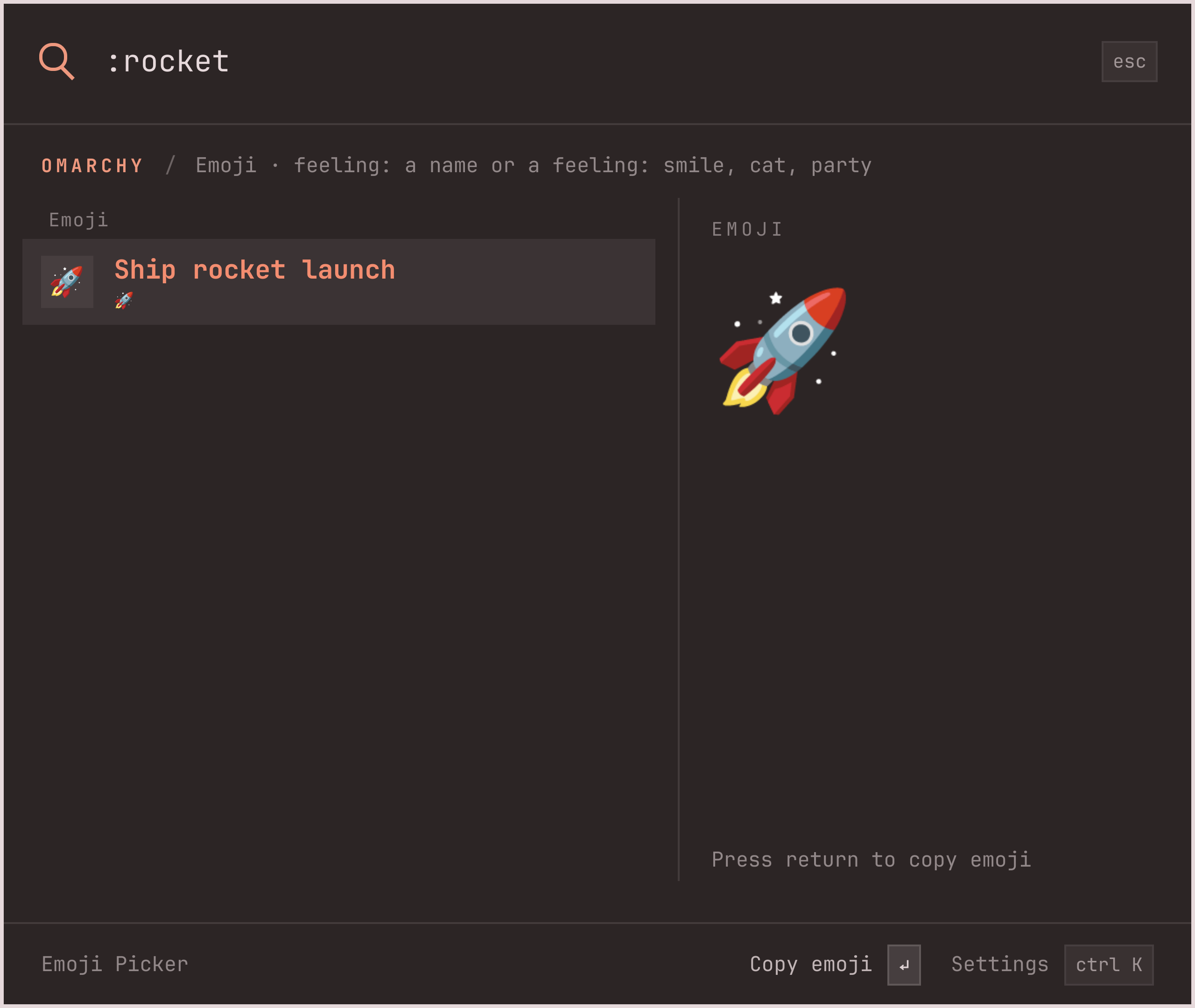
Real Keystroke interface, captured in Omarchy with sample data. Conversation and voice states are staged for the showcase. Appearance follows your active theme.

AN UPGRADE. STILL OMARCHY.

A new menu.
The same home.

Fits right in

Runs inside the existing Omarchy shell. Your menu shortcuts, routes, and selection pickers keep working.

See the system menu ↗

Wears your theme

Colors, fonts, spacing, and borders come from Omarchy. It belongs on your desktop.

Easy to switch back

Disable Keystroke and Omarchy restores the stock menu. Your familiar setup is one command away.

READY WHEN YOU ARE.

One command.
A whole new flow.

Requires Omarchy 4.0.2 or newer, with its plugin system.

YOUR TERMINAL
omarchy plugin add https://github.com/evindor/keystroke.git --enable

Then press Super + Space. You’re in.

Enable voice control +

Install voxtype through Omarchy → Install → AI → Dictation, then open Keystroke Settings → Voice and enable the hold-to-talk bindings. A second tap of your shortcut can also start listening.

Keystroke uses your normal Voxtype service and settings without replacing or rewriting them. Current releases fill the query after transcription finishes; live partials will appear automatically when supported upstream.

Full voice setup ↗
Connect Codex +

Install a stable Codex CLI (0.153.2 or newer) and sign in with codex login. Type ? before your question or select Ask Codex here.

The integration uses your Codex access and its usage limits. Choose the model, processing tier, and handoff destination in Settings → Codex.

Compatibility and setup ↗
Add your first extension +

Type ext, open Extensions, pick Timer or Translate and confirm Enabled. Extensions ship with Keystroke and stay off until you turn them on; the status line then tells you what to type.

Extensions run unsandboxed with your permissions once enabled, like Keystroke itself.

Explore the Timer template ↗
Restore the default menu +

To disable Keystroke and restore the stock Omarchy menu:

omarchy plugin disable evindor.keystroke

To remove it completely:

omarchy plugin remove evindor.keystroke
File search uses fd. Clipboard history uses Omarchy’s existing history. Keystroke and its extensions run with your user permissions. Read the install notes ↗

Native interface · sample data